Visual Comfort
Extended screen viewing can lead to eye strain and discomfort. Regular breaks and proper screen positioning support visual health.
Develop a balanced approach to screen use that supports both productivity and personal well-being
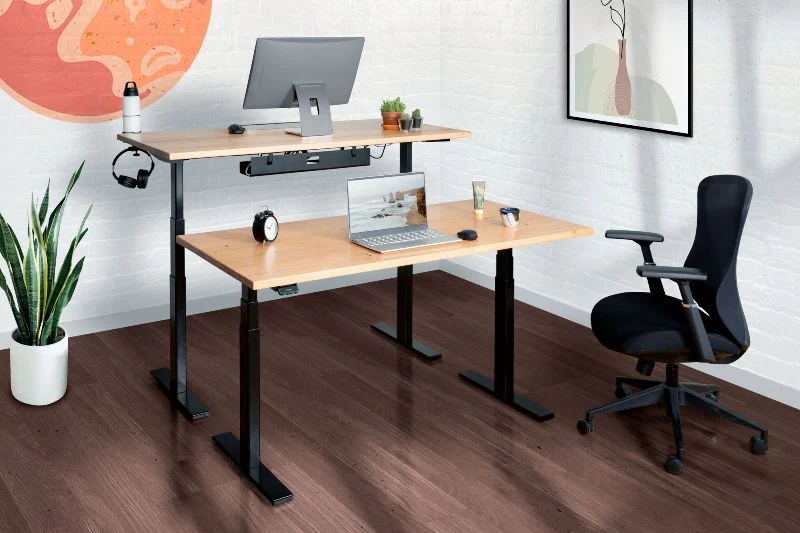
Modern work often requires extended periods of screen engagement. While digital tools enable productivity and connection, prolonged screen time can impact physical comfort, mental clarity, and overall well-being.
Effective screen time management involves awareness of your usage patterns, intentional choices about when and how you engage with screens, and regular practices that support balance.
Extended screen viewing can lead to eye strain and discomfort. Regular breaks and proper screen positioning support visual health.
Continuous digital engagement can be mentally taxing. Periodic disconnection allows for cognitive recovery and renewed focus.
Sedentary screen time reduces opportunities for movement. Incorporating activity breaks supports physical health and circulation.
Before implementing changes, develop awareness of your current patterns. Most devices offer built-in tracking features that provide insights into your screen usage.
After reviewing your usage data, consider these questions to gain deeper insight:
Every 20 minutes, look at something 20 feet away for at least 20 seconds. This simple practice reduces eye strain by allowing your eye muscles to relax and refocus.
Set regular intervals for stepping away from screens. During these breaks, engage in activities that do not involve digital devices:
Designate specific periods for concentrated screen-based work, followed by intentional breaks. This structure prevents the drift into continuous, unfocused screen time.
Consider working in 50-90 minute blocks, as research suggests this aligns with natural attention cycles. After each block, take a 10-15 minute break away from screens.
Establish areas or periods where screens are not used. This might include:
Adjust your screen settings to reduce strain and support comfort during extended use:
Proper positioning of screens and equipment reduces physical strain:
Sustainable screen time management requires ongoing attention and adjustment. As your work demands and personal circumstances change, your approach may need to evolve.
Periodically assess your screen time patterns and their impact on your well-being. Monthly reviews allow you to identify trends and make informed adjustments.
Implement modifications incrementally rather than attempting dramatic overhauls. Small, consistent changes are more likely to become lasting habits.
Some days or weeks will require more screen time than others. Approach your screen time goals with flexibility, adjusting as needed while maintaining overall awareness and intention.